Built for work beyond the desk
On site.
On time.
On record.
Your people, their work, and every part they carry. Bring attendance, schedules, tasks and stock into one clear view.
- 8roles, each with its own permissions
- 100%of tenant tables under forced row level security
- 0silent overwrites in the stock ledger
Presence. With proof.
A location, a shift, an approved device.
Every check-in has a story behind it.
01 / The evidence trail
A check-in is only the beginning.
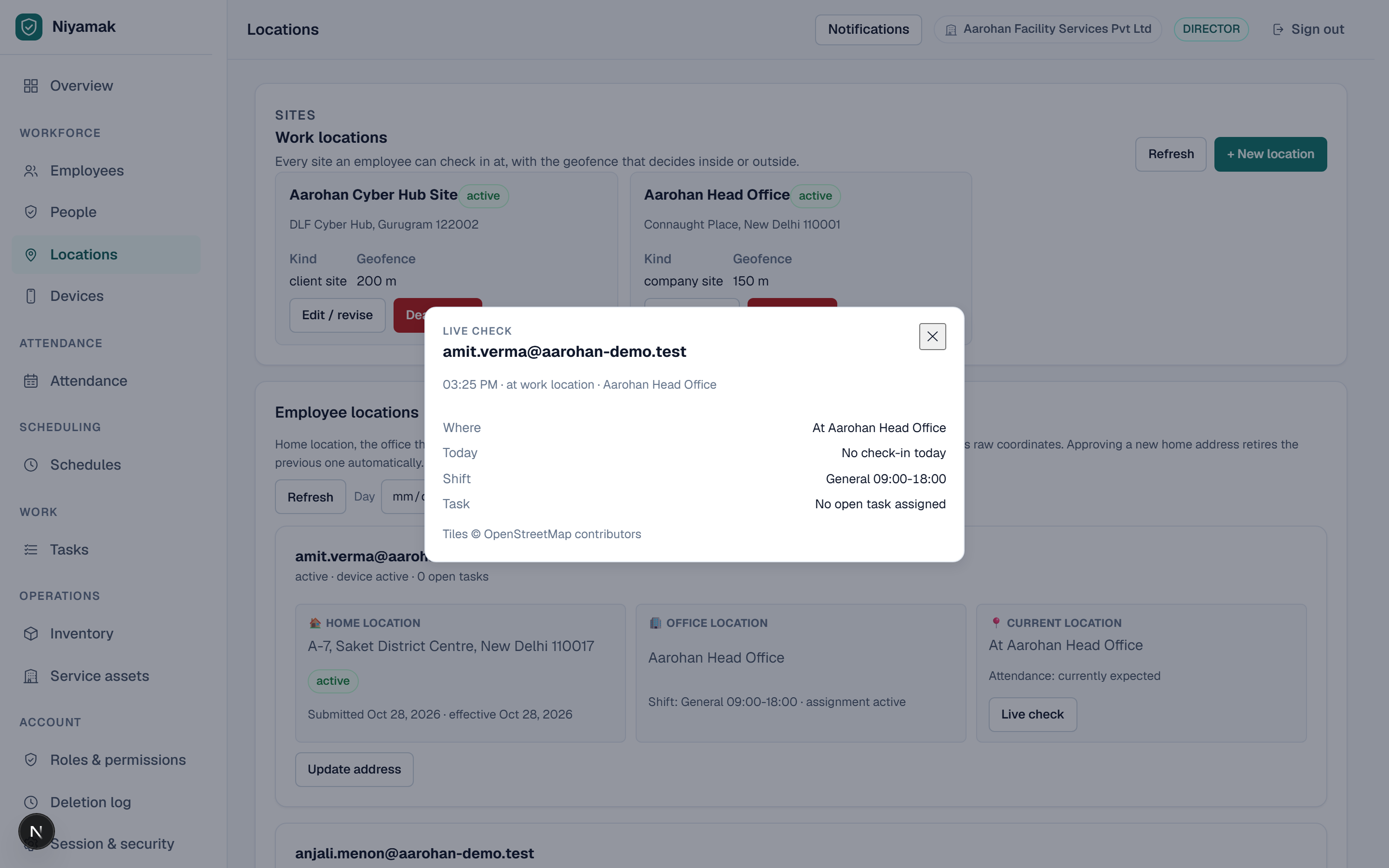
The shift, location and device are checked before a check-in becomes a record.
Every part accounted for
Count it.
Reconcile it.
Keep the trail.
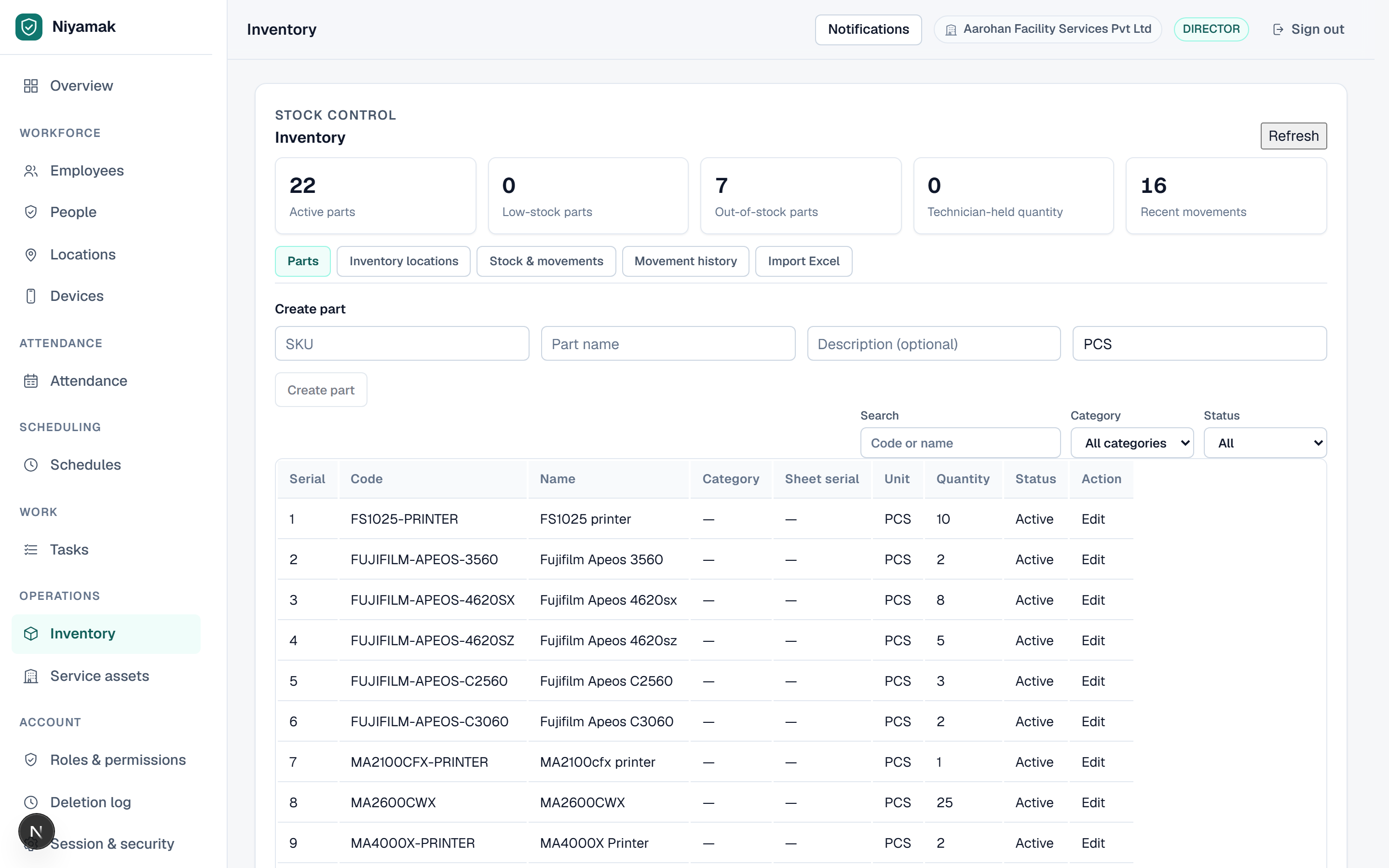
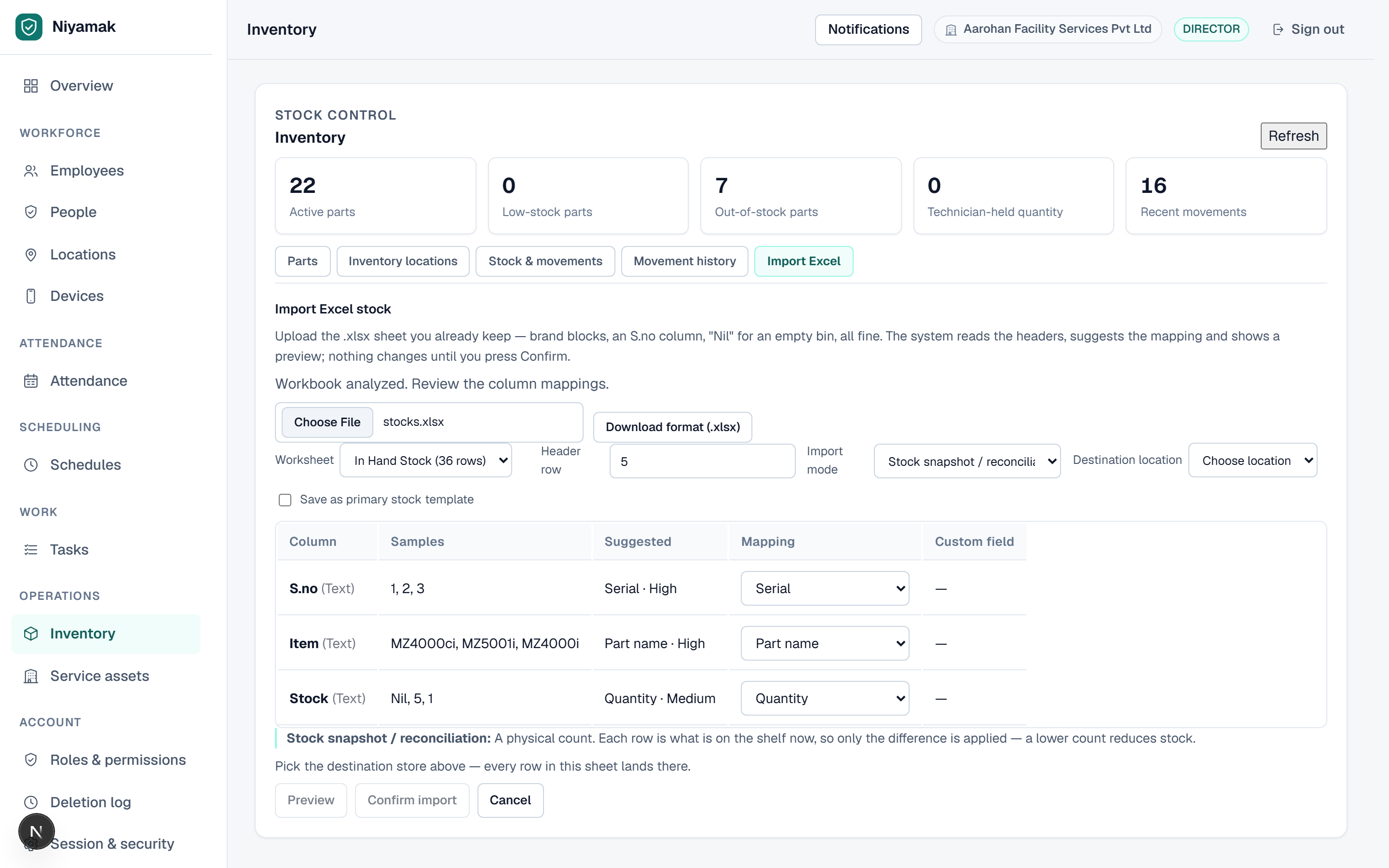
A physical count meets the stock ledger. Only the difference is recorded. The history stays intact.
The badge shows the adjustment recorded. Nothing is overwritten.
02 / Inside Niyamak
Less chasing.
More seeing the whole picture.
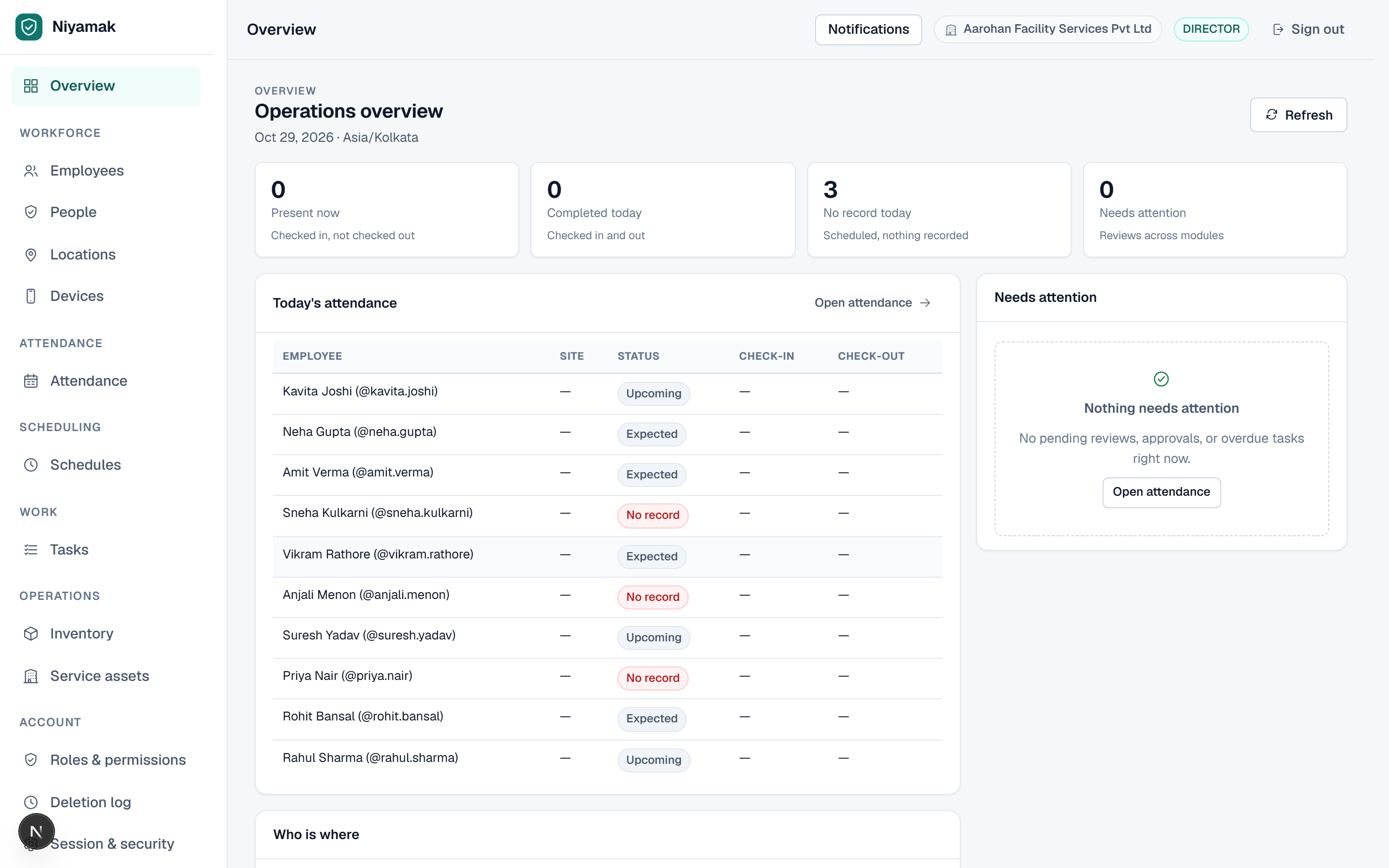
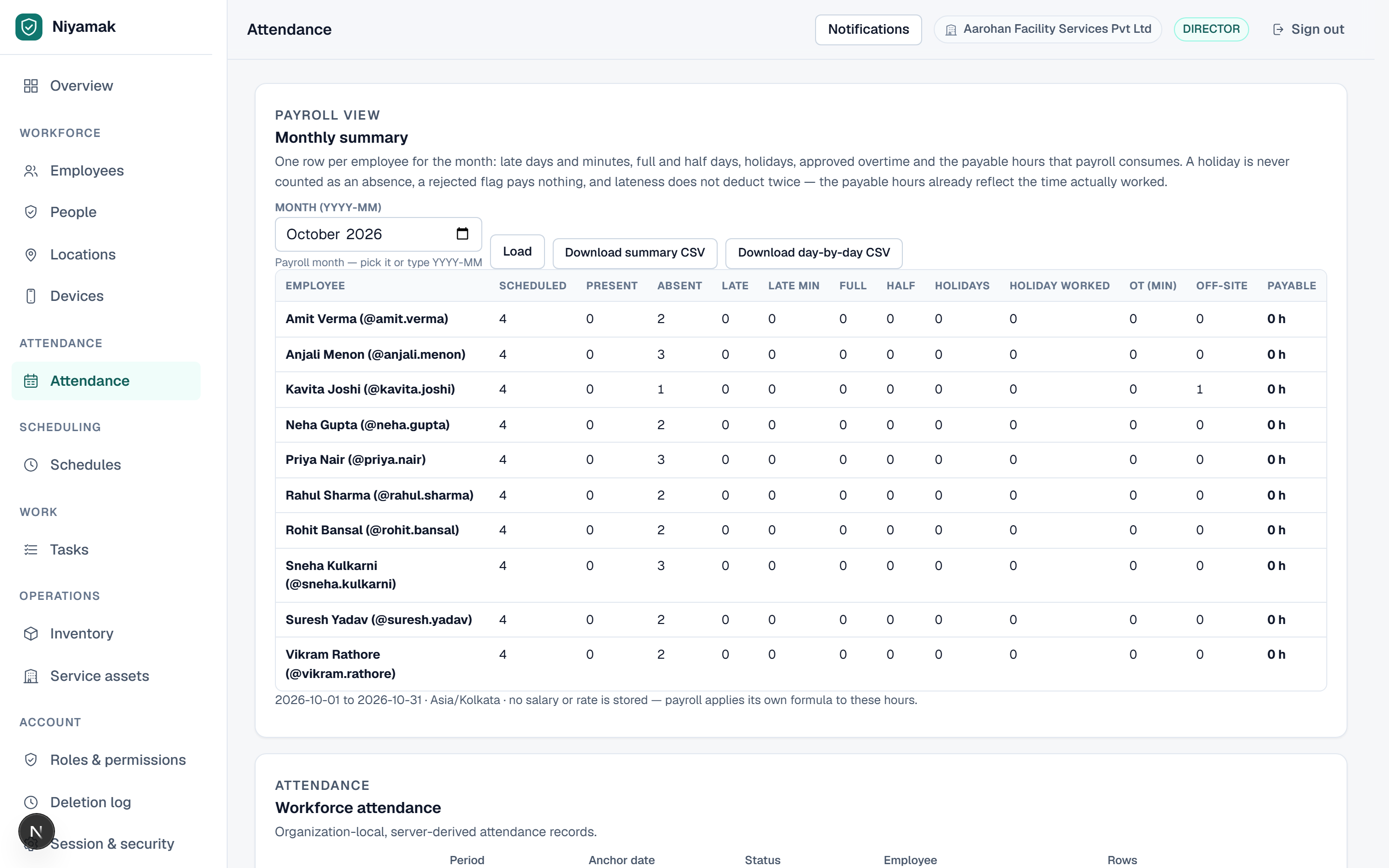
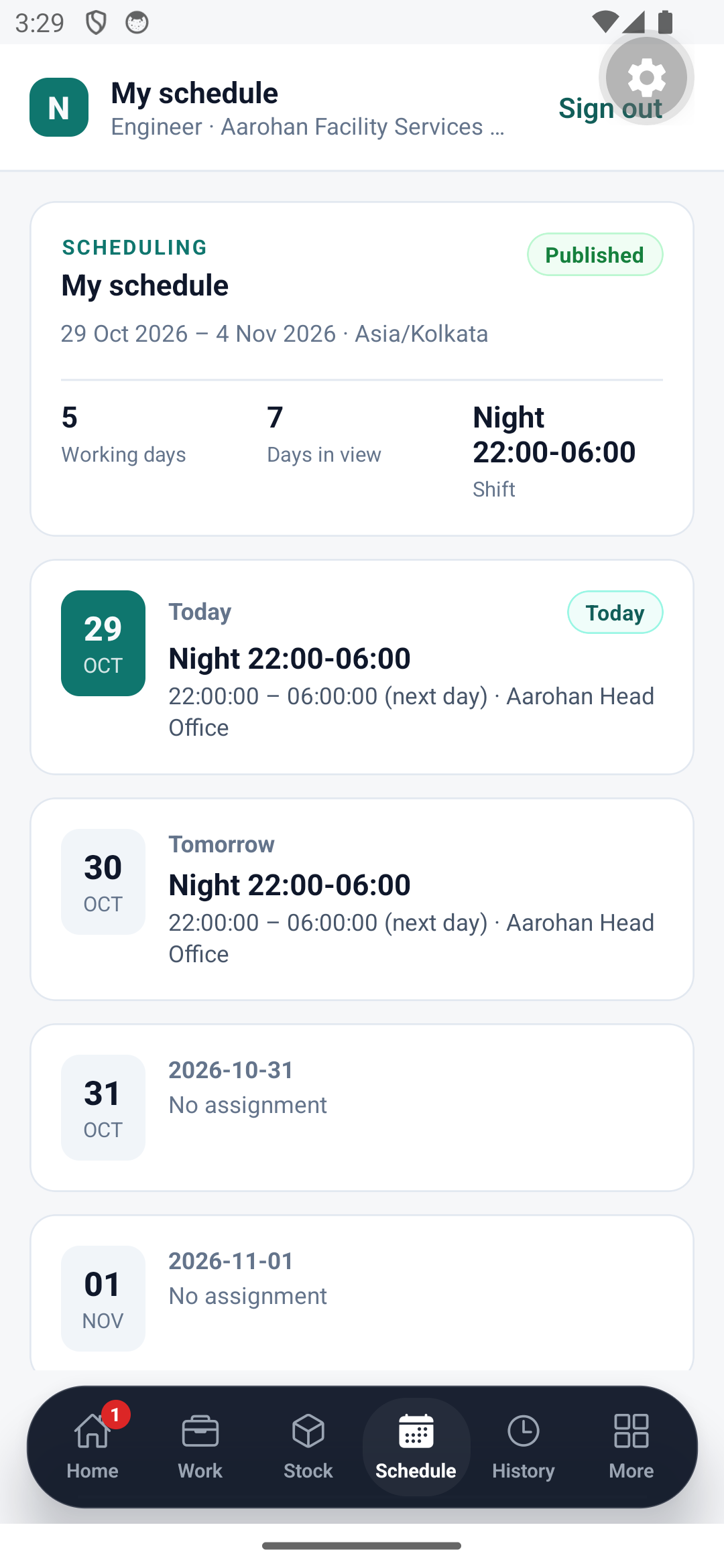
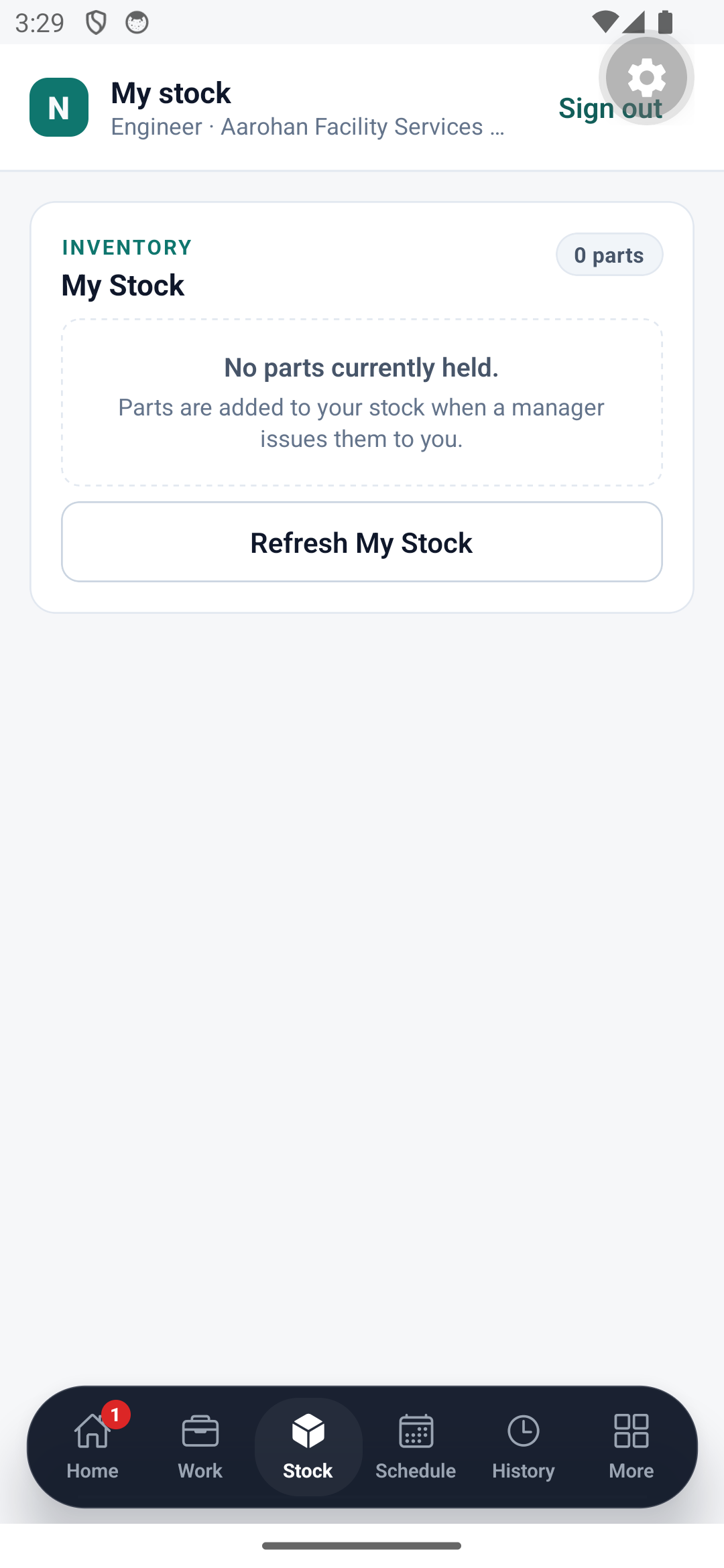
Screens from the running product, on the demo organization. No design mockups, no invented numbers.
The field app
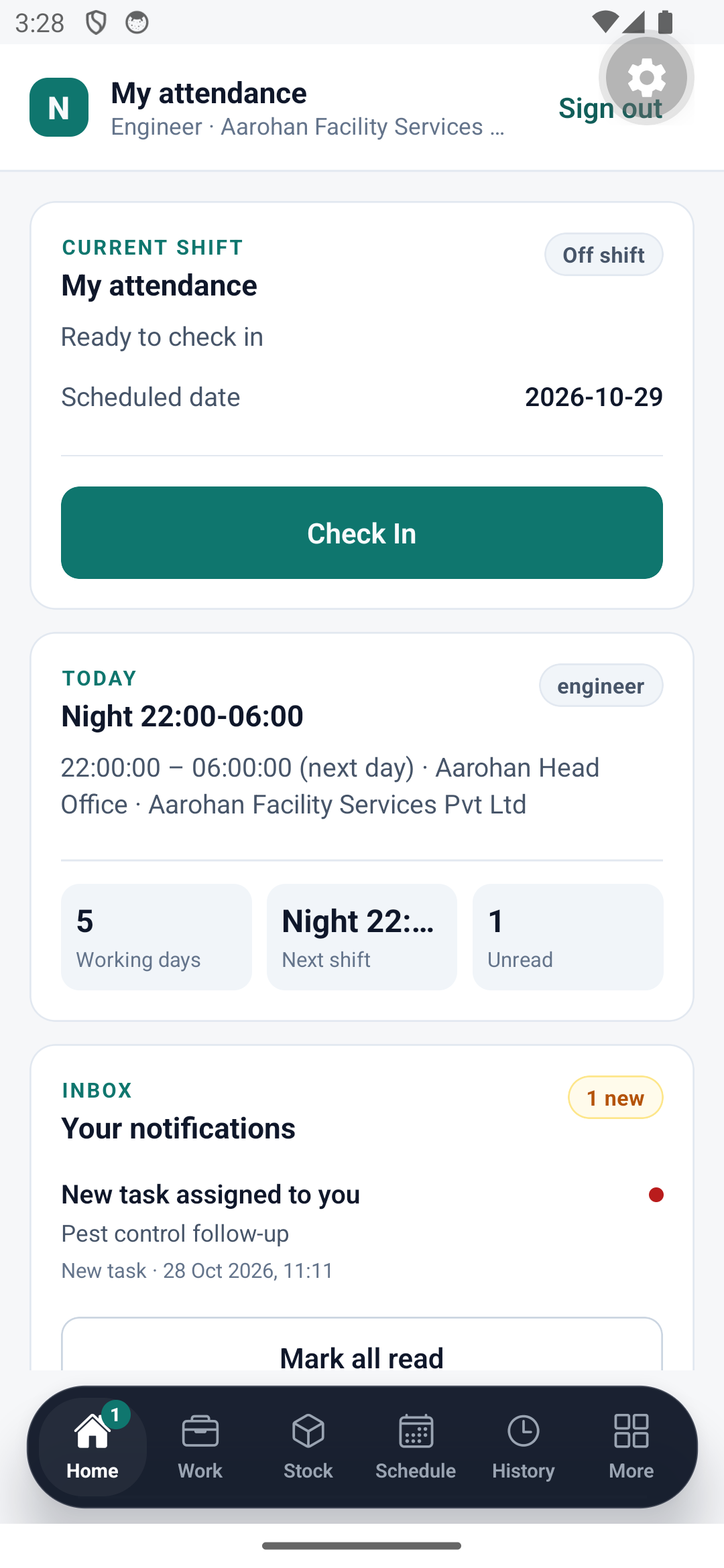
In the engineer's pocket
The phone records the check-in the console later defends — same tenant rules, same evidence. One floating bar moves between attendance, work, stock and schedule, and nothing appears that the person is not allowed to see.
- Geofenced check-in, offline-safe, with the reason when it is refused
- Tasks, parts used and evidence captured on the spot
- Their own stock, schedule and history — nothing else
03 / One connected operation
The working day, joined up.
A place. A time. A verified check-in.
Geofenced attendance, with evidence attached.
Illustrated workflow · select a module to explore04 / Built on trust
Proof built in.
At every step.
Each organization stays separate. Every action checks permissions. Every event keeps its evidence.
05 / A workspace for everyone
Same team. Different views.
Owner / Director
The whole operation. One clear view.
See it on your own roster
Explore attendance, schedules, tasks and stock in the demo organization. See how the pieces fit your working day.
06 / Let’s talk about your team
Your working day.
A clearer way.
See how Niyamak fits your people, sites and daily operations. Request a walkthrough built around your team.
- 01 Tell us about your team
- 02 We’ll get in touch to arrange a demo
- 03 Explore the workflows that matter to you
Email us for product information, help or a conversation about your requirements.